Ready to get cookin?
Get
and start earning an extra
Start earning an extra
$0/week
0 orders a week at an estimated $38 each.
Built for independent chefs, powerful enough for restaurants.
- Online web store
- Accept debit and credit cards
- Set your own hours and ordering rules
- Dedicated mobile order management app
- A delivery driver network
- Payouts straight to your bank account
Level up from DMs only to a powerful storefront.
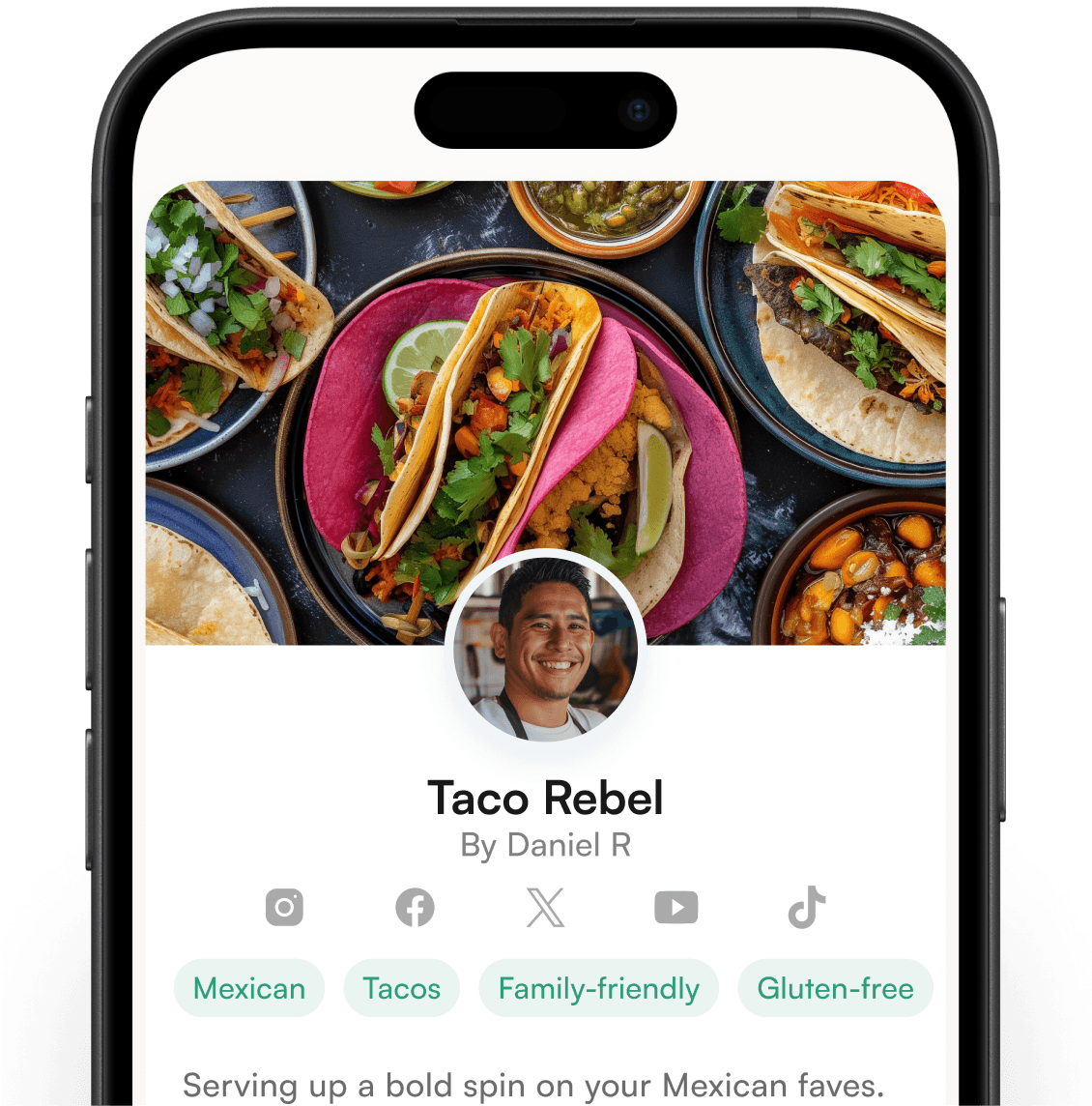
Delivery, pick up or both
You decide how you want to operate your business and how you want to fulfill your customer orders.
Accept credit and debit cards
Accept Visa, Mastercard, American Express, Discover, Cash App and more.
Pre-Order, On Demand, do it your way.
Flexible ordering rules allow you to set a pre-order cut off time for your store or individual items.
Built in marketing tools
Utilize our built in CRM and marketing tools to grow subscribers, notify your network, create coupons and run promotional campaigns.

Store setup so easy, you can start earning in minutes.
Get 7-day-a-week chef support to help with everything from menu development to marketing support.
The Cookin Community supports each other and grows together, sharing tips, ideas and inspiration.
Unlock unique brand partnerships and experiences to help your brand thrive and expand reach.
Access member benefits, like discounts on packaging, insurance, and more, helping you lower costs as you grow.
Your questions,answered.
About Cookin
An all-in-one platform of tools and services built for culinary entrepreneurs, restaurants, and food businesses — to run your online food business professionally and make ordering, payments, and delivery easier for you and your customers. Think of us as your back-end technology and operations, more like Shopify than Uber Eats: you own your storefront and customers, and we power everything behind the scenes.
Food creators can access and use the Cookin platform everywhere in the United States and Canada.
You own your customer base; Cookin provides the technology and support to help you grow it. You drive customers to your storefront through your own marketing. Because Cookin isn't an app-based marketplace, direct traffic to your Cookin web page is your primary source of orders.
Payments & Payouts
Enter your banking details in the Settings tab of your Chef app. Cookin uses Stripe to process payments securely. Once approved, you'll see a button in the Earnings tab to view your payouts. Earnings are deposited to your bank via direct deposit.
Weekly, every Tuesday, covering fulfilled orders from the prior Monday–Sunday. Funds are paid into Stripe first, then typically land in your bank within 24–48 hours.
Confirm you've set up your Stripe Connect account and added your banking info — required before funds can transfer. Even before funds reach your bank, they're visible in Stripe as "Processing." Tuesday auto-transfers include an emailed earnings statement from payments@cookin.com.
Stripe only — credit cards, mobile wallets, Cash App and more. Cookin is not integrated with any other POS or CRM.
Fees & Pricing
There are no monthly fees — you only pay when you make a sale.
The delivery fee is $6.99 per order. You choose whether to absorb it into your pricing or pass it to the customer at checkout — the same flexibility applies to Cookin's 5% platform fee.
Stripe processing fee — 2.9% + $0.30 per transaction, charged to you as the business owner. Cookin platform (service) fee — 5% per order; absorb it or pass it to the customer. Delivery fee — $6.99 per delivery order; absorb it or pass it to the customer.
Delivery & Support
Offer delivery, pickup, or both. Your storefront integrates with our delivery driver network — powered by the Uber driver network. Mark an order "ready for pickup" and a driver collects and delivers it, with live tracking for you and your customer. Cookin manages restaurant and customer delivery support directly, so you can focus on cooking.
On the Settings page, open Store Settings, hit edit beside your address, and toggle delivery or pickup on or off.
You manage your own packaging.
7 days a week, 9 AM–10 PM ET. We also support your customers at no extra cost. Email cxsuccess@cookin.com.
Your Store & Menu
Usually one of three: no shift set (Home → Add Availability); no inventory set (Home → shift → Inventory → set quantity above 0 → Save); or a pre-order-only cut-off rule blocking same-day ordering.
Yes — shifts aren't automatic. Set availability from the Home tab; we recommend setting at least a month's worth at once.
Prices: change the price next to the item — charge whatever you want. Store name: update your display name in the Store tab of the Business Manager app.
Open the item and make your changes. To swap a photo, tap the pencil icon in the photo's upper-right corner, delete the old one, and upload a new one. Video tutorials are on the Settings page in your Chef app.
Hide it: toggle the item to not-visible. Keep it but mark unavailable: open your shift → Inventory → drop the quantity to 0. Remove permanently: use the delete button beside the photo.
Store tab → Promos → Add promo. Choose the code customers enter at checkout (4–32 characters, letters and numbers, hyphens optional), then set a dollar or percentage discount, a minimum basket size, start and end dates, and a redemption limit. You can also cap it at one use per customer or restrict it to new customers only. Coupons go live the moment you create them — no requests, no waiting on support.
Store tab → Promos → See promos. Each coupon lists its code, discount, run dates, minimum basket size and redemption limits, and anything past its end date is labeled "Expired." Tap the copy icon beside a code to share it in a post, text or email.
Account & Login
Double-check your signup email for typos, then use the Reset Password button on the log-in page to set a new password. Your original signup email stays as your login even if it's not the address you'd prefer — it isn't customer-facing, so it won't affect your store.
We can't log in on your behalf, but we can walk you through any setting. Reach out at cxsuccess@cookin.com and we'll help.

Still have questions?
Get answers from our chef success team, We’re here to help you grow with Cookin.